We checked seven real stores from their public pages. Here is what their products found.

78 products met in 224 talks.

22
findings, each checked a second time
1,851
things said

US · 19 Oct 2026 · 20 minutes

A coffee store

Sells coffee beans, pods and mugs.

12
products met
36
talks
356
things said
56
product options read

The store’s own report, names and addresses changed. “You” is the store.

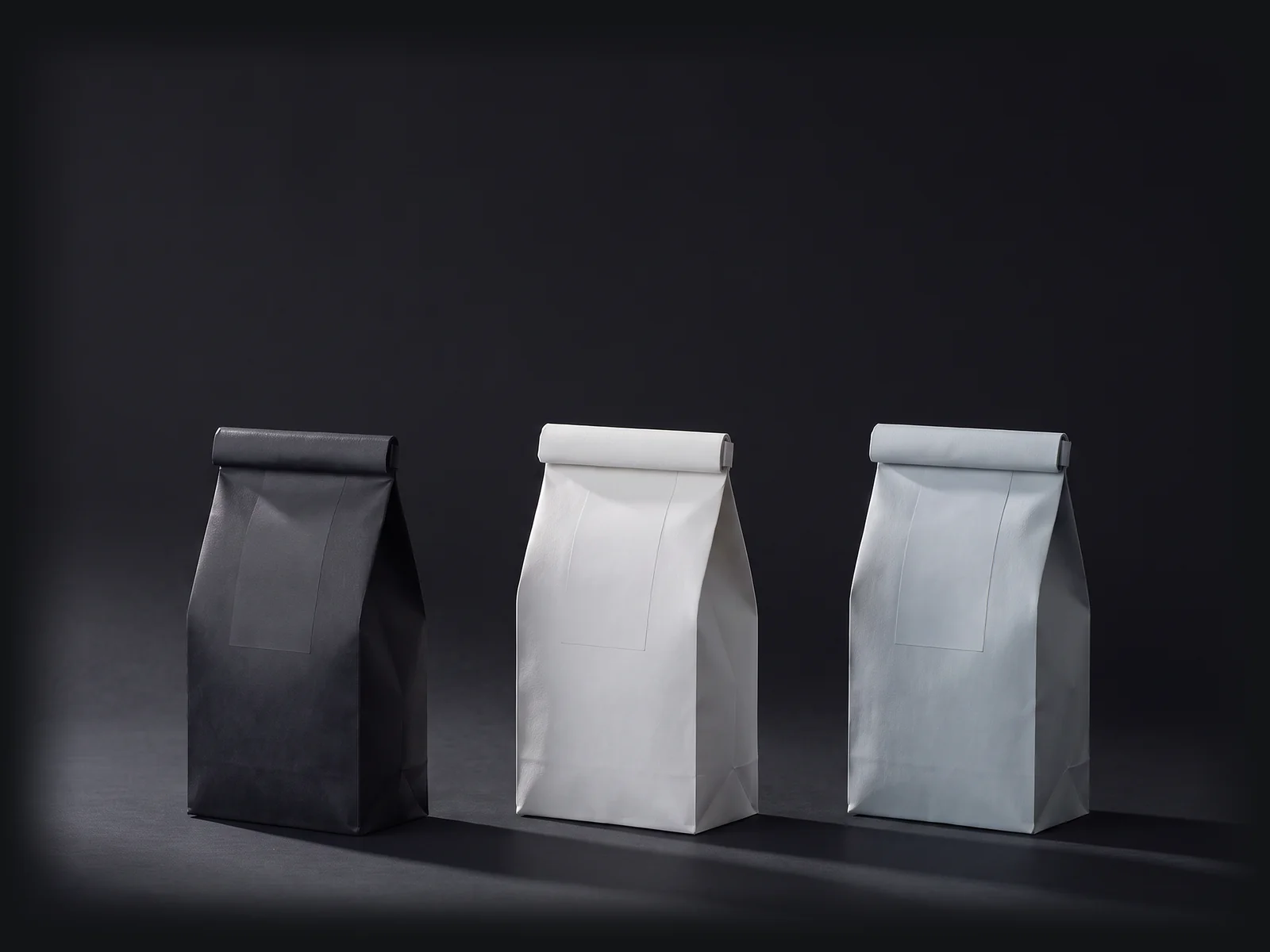
Three plain coffee bags with rolled tops in a row: a near black bag, an off white bag and a pale grey blue bag, with long soft shadows to the right.
  1. Costing the store

    Refund deadline and order cap conflict

    A legal or guarantee risk. Some shoppers see it, on a help or policy page.

    What shoppers see

    Shoppers see “60 day money back guarantee, no questions asked” in the refund policy, while the help page and the returns help page tell them to ask within 30 days of purchase, and the help page also repeats the 60 day line. The returns help page adds that the money-back guarantee does not apply to orders exceeding $40, a cap the refund policy never states.

    Let us know within 30 days of purchase from our website (retail and Amazon excluded) for a full refund.
    Help page

    The talk

    1. Dark roastThe refund policy promises a 60 day money back guarantee, while the help page and the returns help page tell shoppers to let the store know within 30 days of purchase for a full refund. The returns help page also says the money-back guarantee does not apply to orders exceeding $40, a limit the refund policy never states, so a shopper cannot tell which limit and cap govern a refund.
    2. Medium roastYes, 60 versus 30 days and the $40 cap are real conflicts shoppers see across policy and help pages.

    The fix · The store’s call

    Which refund rule should every page show?

    1. Option 1Keep the refund policy's 60 day money back guarantee, no questions asked: in the store admin, change the help page and the returns help page to say 60 days in every refund line, remove the $40 cap from the returns help page, and leave the 60 day line on the terms page as it is.
    2. Option 2If the 60 day guarantee and the 30 day refund request are different promises, keep both: add a line on the help page, the returns help page and the refund policy that names what the 60 day money back guarantee covers and what the 30 day refund request covers, and state where the $40 cap applies.
  2. Costing the store

    Add-to-cart area shows a smaller pack's price at open

    Costs you trust or a sale. Most shoppers see it, by the price or in the cart.

    What shoppers see

    On nine products the add-to-cart area opens on a larger pack with a subscription already chosen, but the price line reads the smallest pack's price.

    Visible as the page opens$19.99

    The talk

    1. Medium roastMy add-to-cart area opens on Ground / 2 lbs at $39.98 with a subscription already chosen, but the price line says $19.99. Your one-time 1 bag is $19.99. What does your add-to-cart area show at open?
    2. BlueberryMy add-to-cart area opens on Ground / 2 bags with the subscription Delivered every 30 days already chosen. Its price line at open says $19.99, the 1 bag price, while 2 bags is $39.98.

    The fix · The store’s call

    How should the opening price line be made to match the pack and plan the add-to-cart area opens on?

    1. Option 1Change the shared add-to-cart area code in the theme so the price line renders the price of the option and plan the add-to-cart area opens on, before any tap, and keep the current default pack and subscription.
    2. Option 2Change each of the nine products' default option in the store admin to the small pack the price line already shows (8 count, 10 count or 1 lb) and open those products on a one-time purchase where that pack has no subscription plan, so the opening option and the opening price agree; the larger packs stay for sale and shoppers pick them.
  3. Smaller note

    Sold out badge on an option still in stock

    Costs you trust or a sale. A few shoppers see it, by the price or in the cart.

    What shoppers see

    On the House blend page, a shopper who picks Whole Bean / 5 lbs sees “Sold out” in the price area, while the button still reads START A NEW SUBSCRIPTION.

    The talk

    1. House blendMy price area shows Sold out once Whole Bean / 5 lbs is chosen, while the button still reads START A NEW SUBSCRIPTION and your product data has that option in stock at $84.99. Shoppers are told an option they can still buy is gone.
    2. Dark roast podsYes. Sold out shows on Whole Bean / 5 lbs while START A NEW SUBSCRIPTION still sells it and product data says in stock at $84.99.

    The fix · The store’s call

    The price area says Sold out for Whole Bean / 5 lbs while the button still sells it. How do you want the two to agree?

    1. Option 1In the store admin, open Whole Bean / 5 lbs on the House blend product, check its stock count and its continue-selling setting, and set them so the price area badge matches what the buy button sells.
    2. Option 2In the theme editor or theme code for the section that prints the price area of this add-to-cart area, remove the Sold out badge so the buy button is the only signal of whether Whole Bean / 5 lbs can be bought.

One email. One private report.

Both drawn from a real check of a desk goods store, names left out.

  1. Within a few hours.

  2. One chapter per finding.

    Anyone with the link can open it, so only the store gets it.

The check is one small part. This is all of MindLoop.

MindLoop works in every tab on its own. You decide in Telegram.

What it reads depends on how your store connects.

Your public website
Products, options, prices, and in stock or sold out. Nothing to install.
A deeper connection
Orders, carts and customer messages. The tabs that use them need it. We tell you when one is ready for your store system.

Today

Opens when your store joins MindLoop.

Example

Working on now: Stock check on products in carts. Next: Price check on a best seller. Waiting on you: 1 decision.

One price for all of it.

1% of your sales each month after refunds, shipping included, tax excluded.